A field worker, a permanent employee, and a guest are not the same risk, and they shouldn’t share the same registration form. Collie keeps all three populations in one system — each with its own registration flow, grouping rules, and access history.
Each user type gets its own registration flow and its own default access rules — set once, applied consistently.
Worker
Field personnel
Contractors and field staff who move between sites often on short-term or project-based assignments.
Registered against a specific project or site
Access expires with the assignment
Grouped by trade, crew, or contractor
Staff
Permanent employees
Contractors and field staff who move between sites often on short-term or project-based assignments.
Long-standing access tied to department
Grouped by team, floor, or shift
Full attendance and access history retained
Visitor
Guests
One-off or recurring guests — clients, delivery personnel, or family — who need access for a single visit or a limited window.
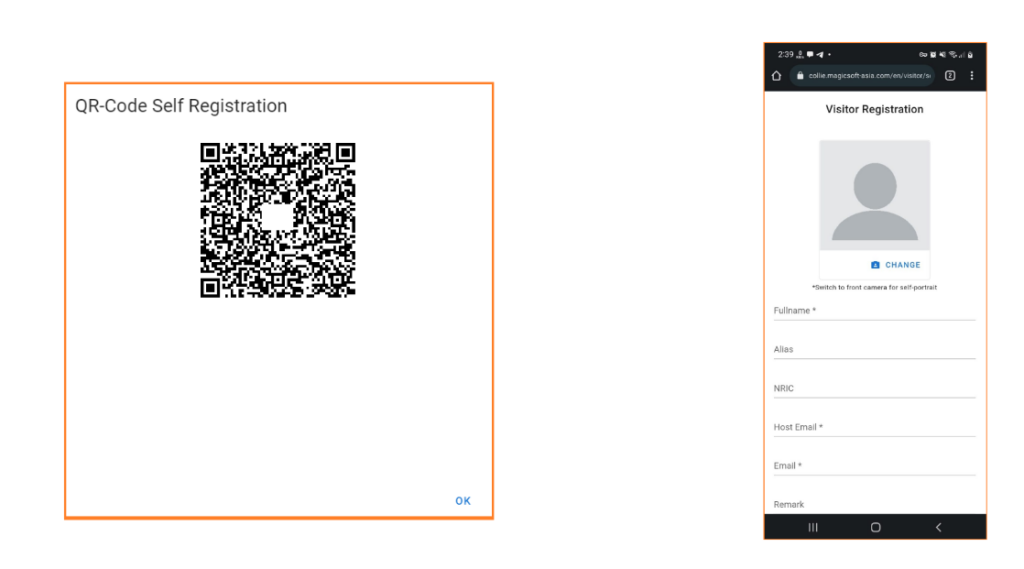
Self-registration ahead of arrival
Access limited to time window & specific host
Automatically expires after checkout
What’s inside
Registration, grouping, history
Three capabilities that apply across all three user types, each configured to fit the population.
Type-specific registration
Each user type has its own intake form, approval path, and default access rules — no generic one-form-fits-all sign-up.
Grouping
Organise people into teams, projects, contractors, or departments, then manage access permissions at the group level.
Access history
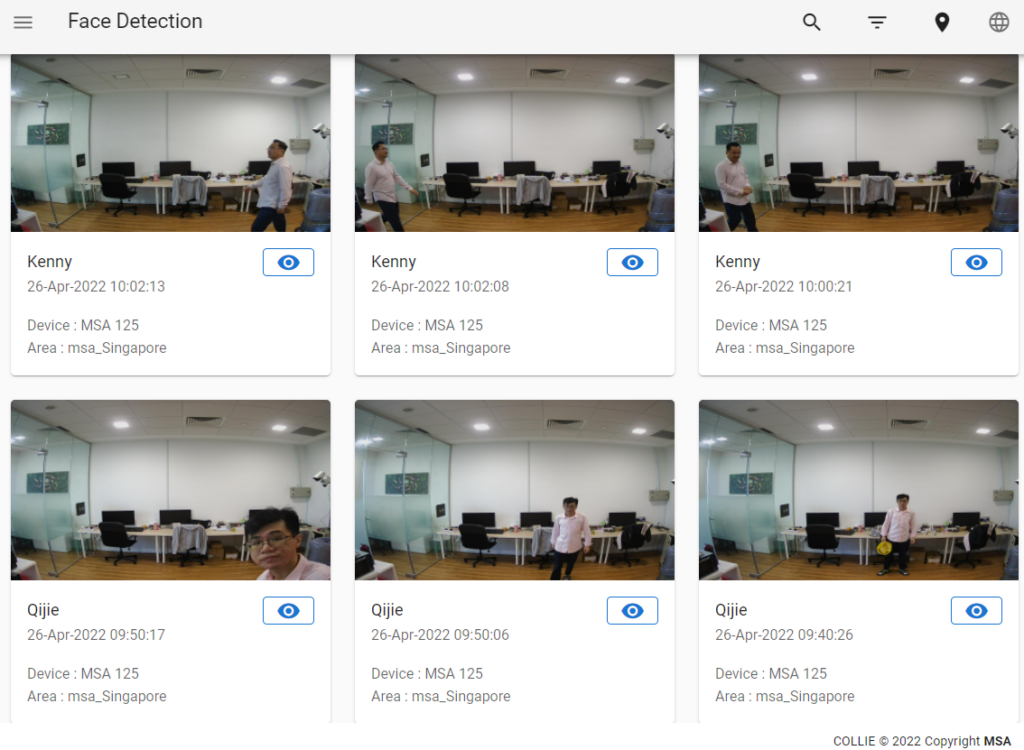
Every entry and exit is logged per person, searchable by name, type, group, or location — the record you need when something needs answering.
Expiring access
Worker and visitor access can be set to expire automatically at the end of an assignment or visit window — no manual clean-up needed.
How it flows
Classify. Group. Track.
01
Classify
On registration, every person is assigned a type — Worker, Staff, or Visitor — which sets the rules that follow.
02
Group
People are organised into teams, crews, or departments, so permissions can be managed at the group level instead of one by one.
03
Track
Every access event is logged against the person and their group — building a history that’s ready whenever it’s needed.
The same registry, on patrol
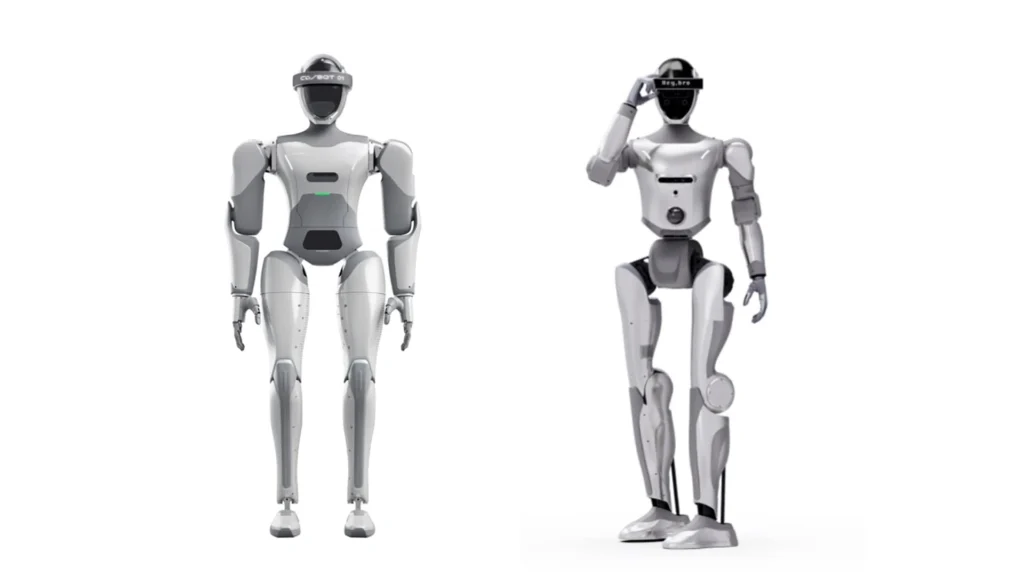
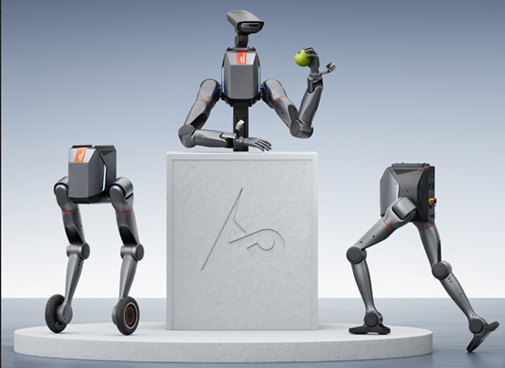
A robot doing a patrol reads the same Worker, Staff and Visitor registry as your fixed gates — so a stranger detection alert can be checked instantly against who’s actually registered on site.